
Healthcare App Explainer Case Study
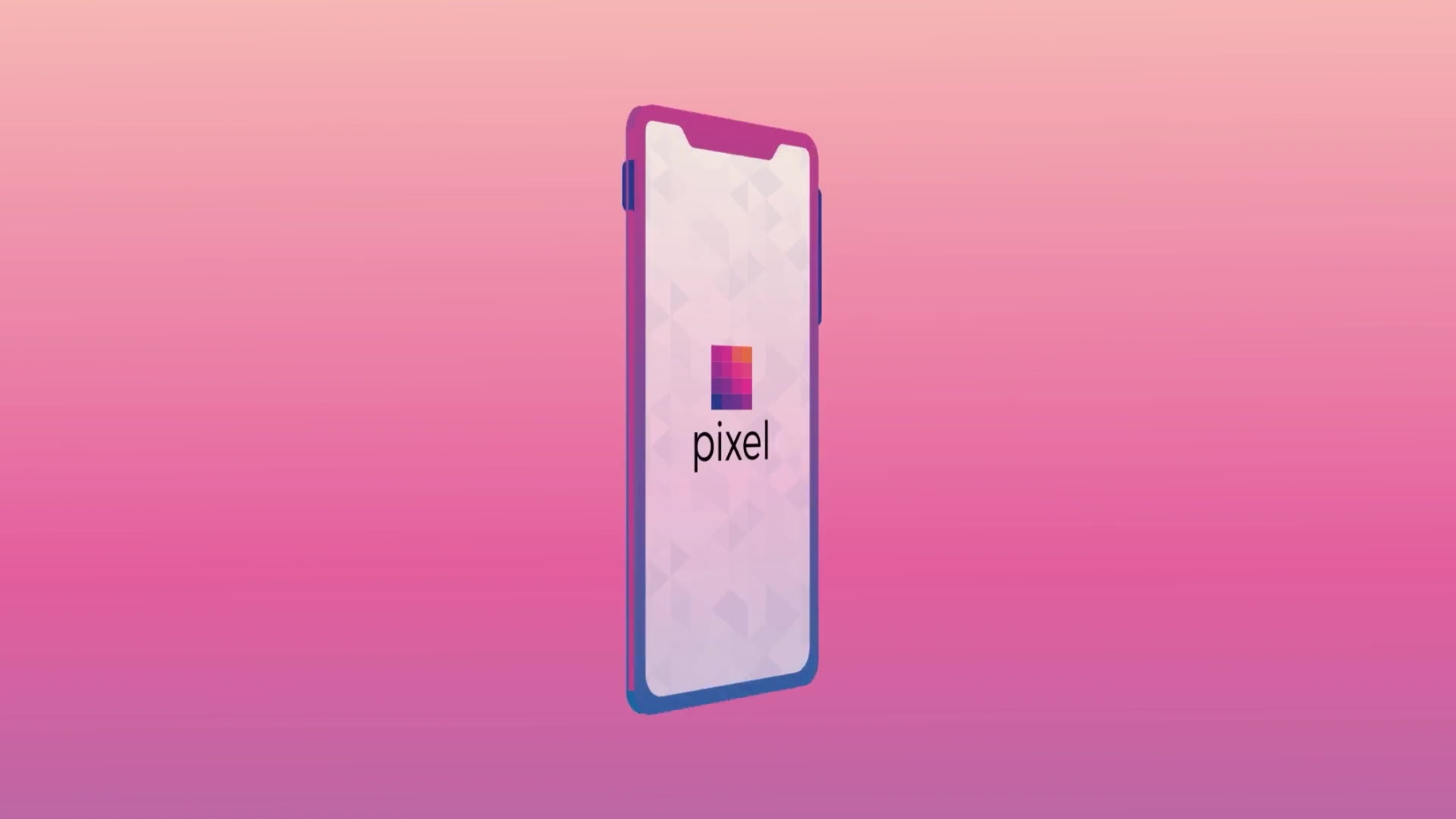
Pixel is an all-in-one fertility treatment platform. Through its mobile and desktop app, patients get 24/7 access to licensed healthcare professionals, on-demand videos about preparing and taking their medications, and a calendar that tells them what to take and when, while Pixel coordinates with their doctors and pharmacy behind the scenes.
Motifmotion produced two animations for Pixel: a welcome video that explains why the platform exists, and a how-to video that walks patients through the app itself.

Trusted by leading organizations
:quality(75))
:quality(75))
:quality(75))
:quality(75))
:quality(75))
:quality(75))
:quality(75))
:quality(75))
:quality(75))
:quality(75))
Pixel Fertility: Welcome and how-to animations
Fertility treatment asks a lot of patients at once: a large set of medications, self-injections, and a clinic, a doctor and a pharmacy that do not always share the same information. Pixel was built to take that coordination off the patient.
The two videos split the job. The welcome video makes the case for the platform, and the how-to video shows a patient what to do once they are in it. Both follow the same patient character and the same visual language, so they read as one story told in two parts.

Welcome to Pixel
Naming the problem before the product
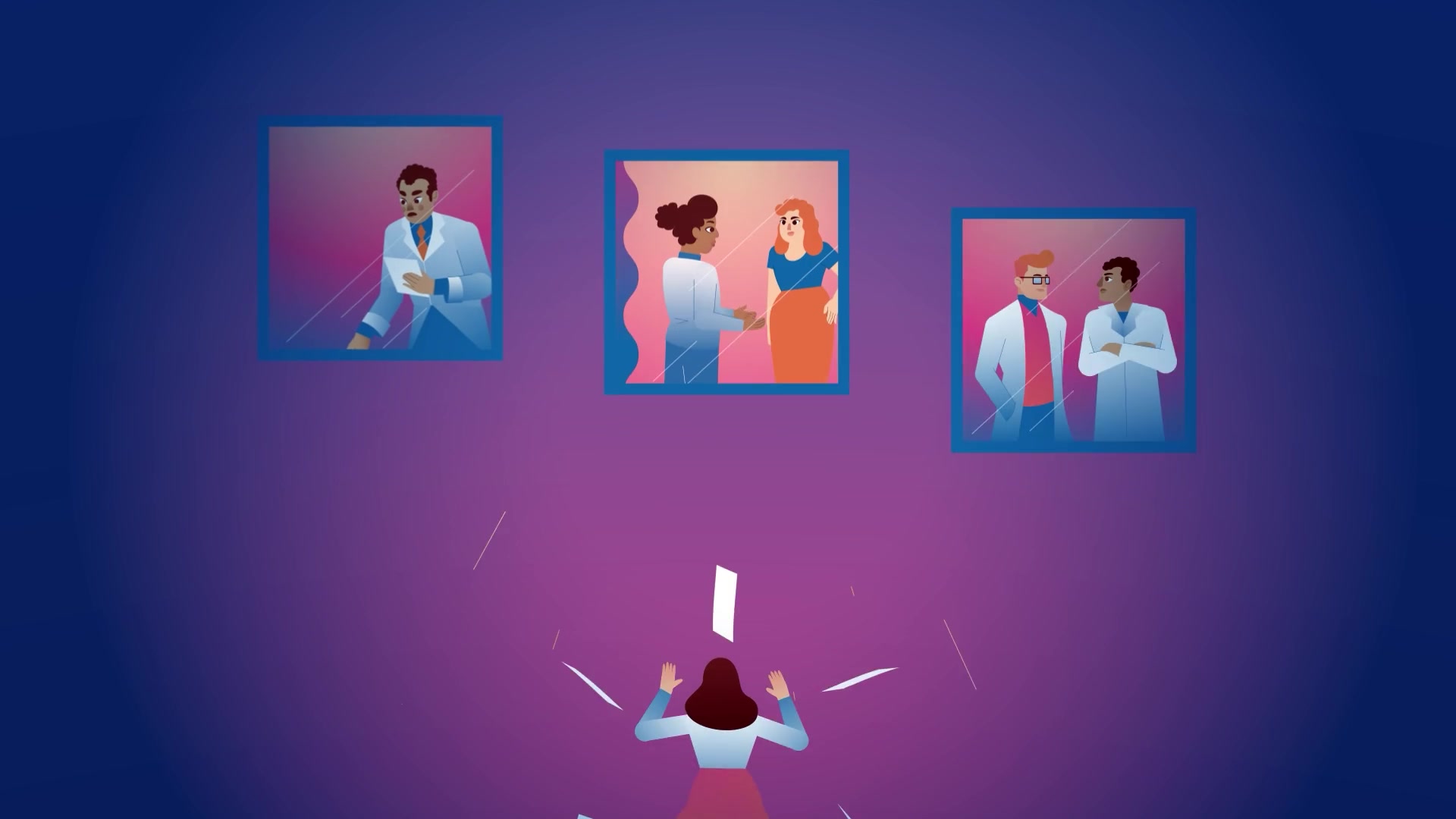
The welcome video spends its first half on the patient, not the app. Treatment is drawn as a sprint through the jungle, and the system as a maze of closed doors and separate windows, with the patient left to relay information between her clinic, her doctor and her pharmacy.
The brand name became the visual device. When care is fragmented, the picture is blurry and pixelated; when it is organized, connected and managed, it comes into focus, pixel by pixel.
- Opens on the patient's experience before introducing the platform
- Fragmented care shown as separate windows and closed doors
- Pixelation used to carry the idea of a blurry picture coming into focus
- Ends on a direct way to reach Pixel's team, by email or phone
Launching a platform people need walking through?
Welcome videos, app walkthroughs, onboarding: tell us what your users struggle with first and we will show you how it looks animated.
Showing the app, feature by feature
The how-to video moves from the promise to the screen. It opens on the burden, a patient expected to become a medical expert, administrator and insurance advocate overnight, then shows each part of the app in the order a patient would use it.
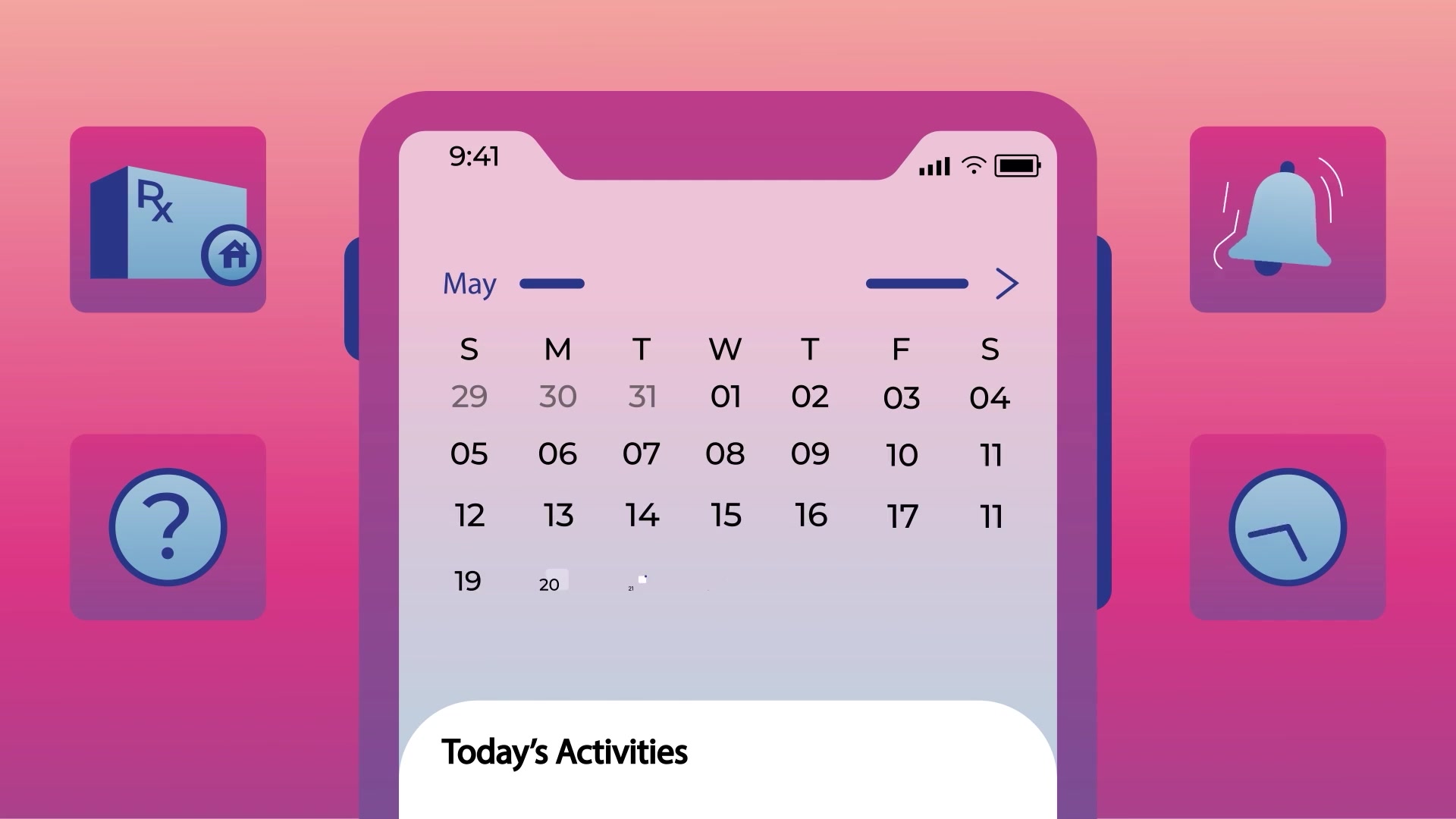
The interface is animated rather than screen-recorded, so each feature can be isolated, simplified and shown at the moment the narration names it.
- Connections between doctors, pharmacies and insurance providers, shown as a network
- A calendar with alerts for which medication to take and when
- Tutorial videos on preparing and administering medications
- Medication tracking, messaging with experts day or night, and a daily check-in survey
One character, one visual system
Both videos share the same patient, the same pink and violet palette, and the same square pixel motif taken from Pixel's logo. The squares build the logo, break apart into the blur of a fragmented system, and reassemble into a cube that shows the patient with her care team.
That shared system is what lets the two videos work as a pair: a patient who has watched the welcome video already knows the character and the look when the how-to video starts.
- The same patient character carried across both videos
- Square pixel motif taken from the Pixel logo
- Brand palette used throughout
- Warm character scenes in the welcome video, clean interface animation in the how-to

Related case studies
:quality(75)) Healthcare
HealthcareHackensack Meridian: Patient education
Hackensack Meridian HealthSix patient education videos covering a whole cancer care pathway, from hereditary risk through surgery and advance care planning.
:quality(75)) Customer education
Customer educationPECO: Customer self-service series
Philadelphia Electric CompanyA six-part self-service series covering outages, billing, alerts and utility scams.
:quality(75)) Healthcare
HealthcareWolters Kluwer: Mechanism of action series
Wolters KluwerNine microbiology animations for a reference publisher, each process staged as a sequence of named events.
:quality(75))
Have a product patients need to understand?
If your platform solves a problem people feel before they understand it, Motifmotion can show both: the problem, then how the product works. Contact us in a few different ways:
We'll work with you to understand your objectives, how we can provide assistance and we'll outline the next steps.