
Customer Education Video Case Study
Starting service after a move. Reporting an outage and finding out when the power comes back. Enrolling in AutoPay. These are the calls a utility call center takes thousands of times, and every one of them has an answer already sitting in the customer's online account. A customer education video is how you get someone to look there.
Motifmotion produced a six-part series for Philadelphia Electric Company covering exactly those tasks.
The brief was not to build engagement. It was to help someone find the answer and put the phone down.
:quality(75))
Trusted by leading organizations
:quality(75))
:quality(75))
:quality(75))
:quality(75))
:quality(75))
:quality(75))
:quality(75))
:quality(75))
:quality(75))
:quality(75))
PECO – Customer self-service series
We produced six customer education videos for Philadelphia Electric Company on the self-service tools in My Account and the PECO mobile app: starting, stopping or moving service, reporting an outage and tracking restoration, eBill and AutoPay, account alerts, recognizing utility scams, and Pennsylvania's energy supplier choice.
PECO is a Philadelphia client and we are a Philadelphia animation studio, which made the working relationship straightforward.
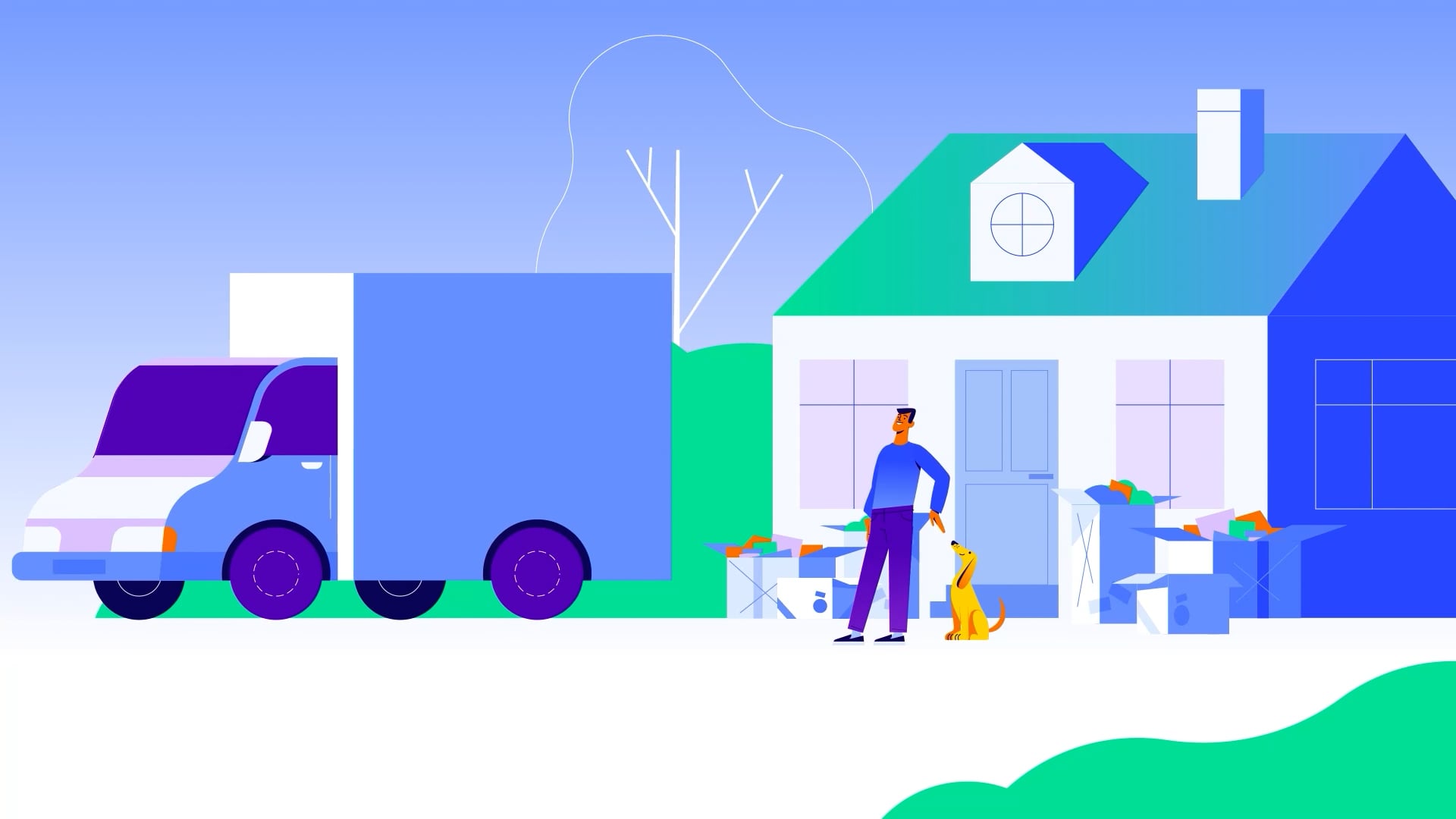
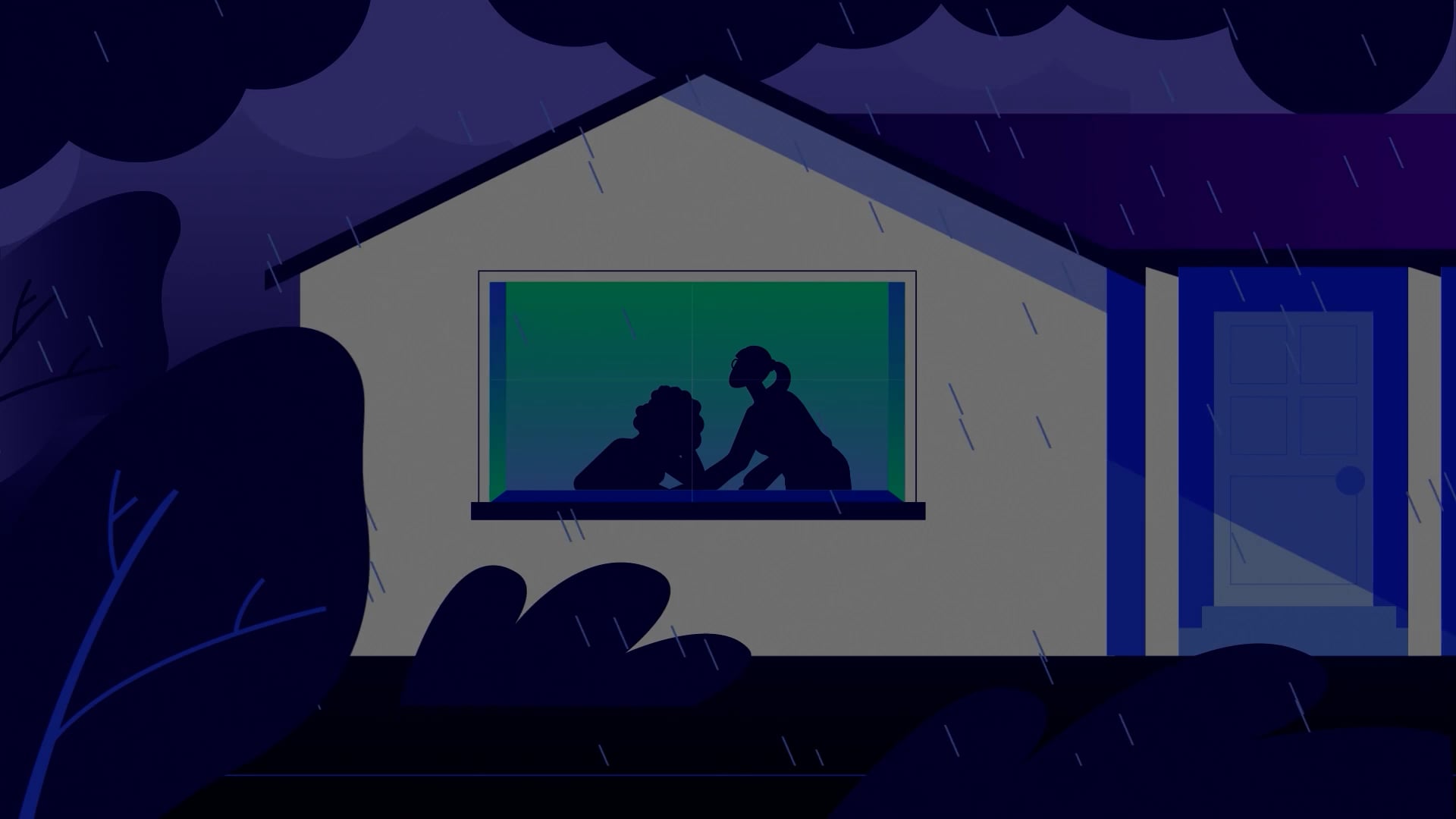


ISUM
A customer education video built to end the call
A marketing video is measured on whether people watch it. A customer education video is measured on whether someone completes the task. Those two briefs pull in opposite directions, and this series is firmly the second one.
So the videos are short, literal and path-shaped. Reporting an Outage runs 1:14 and covers three routes: log into My Account on a phone and tap Outage, report through the PECO app, or text OUT to 697326 once enrolled. Alerts runs 0:46 and gives one path: My Account, My Notification Preferences, choose the alerts and the delivery method.
There is no narrative build and no scene setting. Someone arrives with a specific question, and the video answers it in the order they will actually do it in.
- Task completion as the success condition
- Every route named, not just the preferred one
- Steps in the order the customer performs them
- Between 0:46 and 1:14 for the how-to episodes
Have a self-service portal customers still call about?
Account education, onboarding, and the tasks that generate the most calls. Tell us what your call center hears most and we'll come back with ideas.
When a customer education video should get out of the way
This is the only screencast work in our portfolio, and it is deliberate.
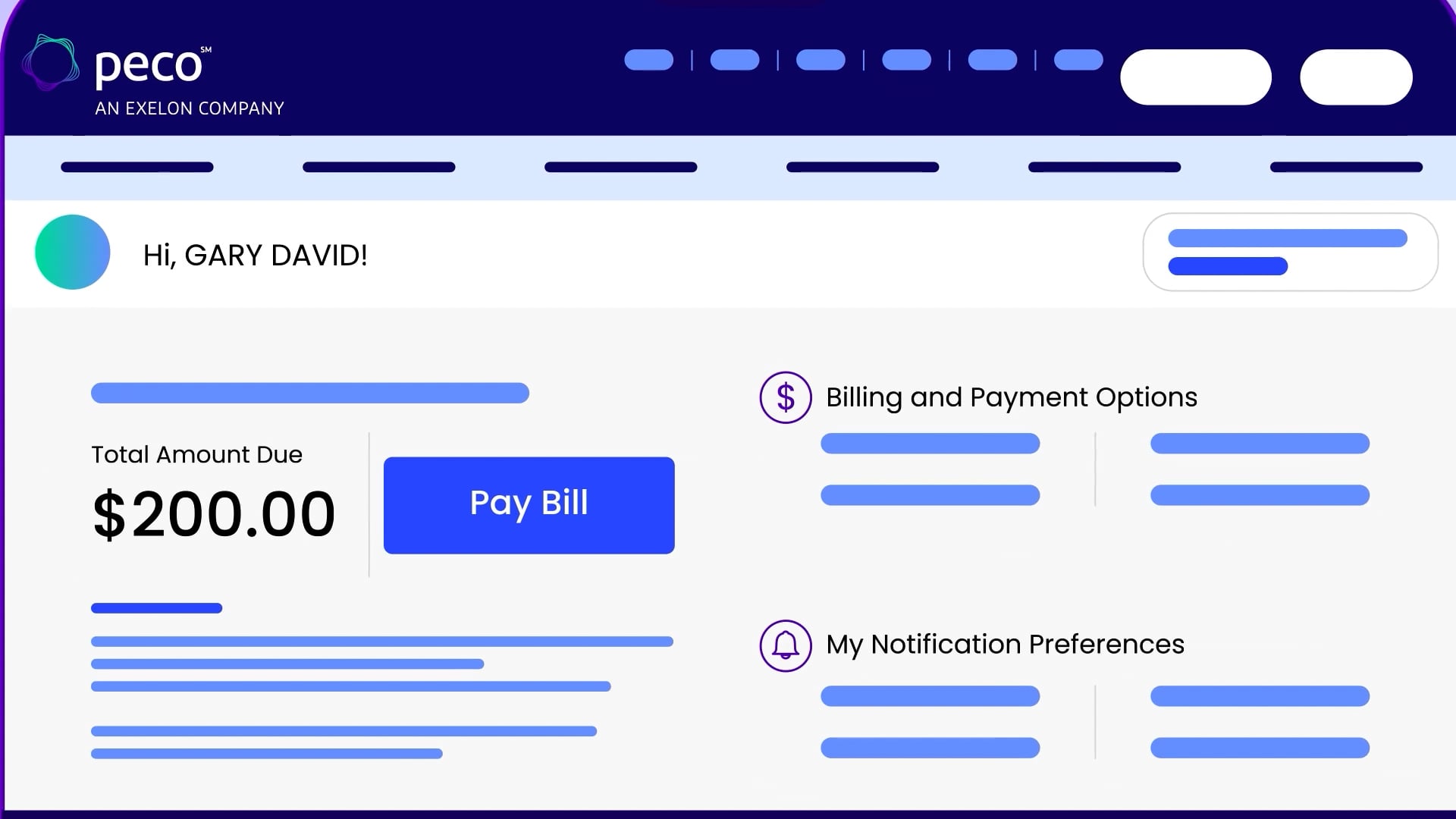
When the answer is log in, click More, and select Start, Stop or Move, an abstracted interface actively fails the viewer. They are not learning a concept, they are looking for a button. Animation that reinterprets the screen makes them translate before they can act, which is the opposite of what the video is for.
So the series shows the real account: the dashboard, the amount due, Billing and Payment Options, My Notification Preferences. It is drawn rather than screen-recorded, which keeps it on-brand and means a portal refresh does not immediately date the whole library, but the layout and the labels are the customer's actual ones. Most studios resist this because it is less expressive. It is also the reason the videos work. For interface and UI walkthroughs, see our motion graphics work.
- Real screen labels and paths, not abstracted equivalents
- Drawn rather than recorded, so it stays on-brand
- Easier to refresh when the portal changes
- Recognition over interpretation
The scam episode, which teaches suspicion
Five of the six episodes teach a path. One teaches a reflex, and it is the longest in the set at 2:20.
It covers the scams that target utility customers: threats of immediate disconnection unless a payment is made on the spot, caller ID spoofing that mimics a real PECO number, and smishing texts built to extract personal and financial details. It resolves into three habits rather than a procedure. Be cautious of any demand for immediate payment, because PECO does not operate that way.
It is longer because suspicion cannot be delivered as a list of steps. A customer has to recognize the shape of the approach while it is happening to them, which takes examples. It is also the highest-stakes piece in the set: the failure mode for a how-to episode is a phone call, and the failure mode here is someone losing money.
- Disconnection threats and demands for immediate payment
- Caller ID spoofing of a real utility number
- Smishing texts targeting personal and financial details
- Habits rather than a step sequence
Where this customer education video model works best
This customer education video model fits any organization running a self-service portal alongside a call center. Utilities, banks, insurers, telecoms, health plans. Our series for Baltimore Gas and Electric applies the same model to residential service changes. The pattern is always the same: a small number of tasks generate most of the call volume, and each one already has an answer inside the account the customer has never opened.
It also covers onboarding and account education, where the job is to get someone using the tools before they need them. That is closer to explainer video production in form and to corporate video production in production terms, but the measure of success stays task completion rather than attention.
- Utilities, banks, insurers and telecoms
- Any self-service portal with a call center behind it
- Customer onboarding and account education
- The handful of tasks that generate most calls
Related case studies
:quality(75)) Training at scale
Training at scaleHCSG: Employee training
Healthcare Service GroupA 32-episode internal training program built on a three-step service model.
:quality(75)) Training / Compliance
Training / ComplianceModular compliance training rolled out across a distributed retail workforce.
:quality(75)) Industrial
IndustrialMac Paper + Packaging: Manufacturing case studies
Mac Paper + PackagingSix operational case studies, each documenting one customer engagement.
:quality(75))
Ready to get started?
Customer education works when someone finds the answer and stops looking. Motifmotion can help. Contact us in a few different ways:
We'll work with you to understand your objectives, how we can provide assistance and we'll outline the next steps.