
Free storyboard templates
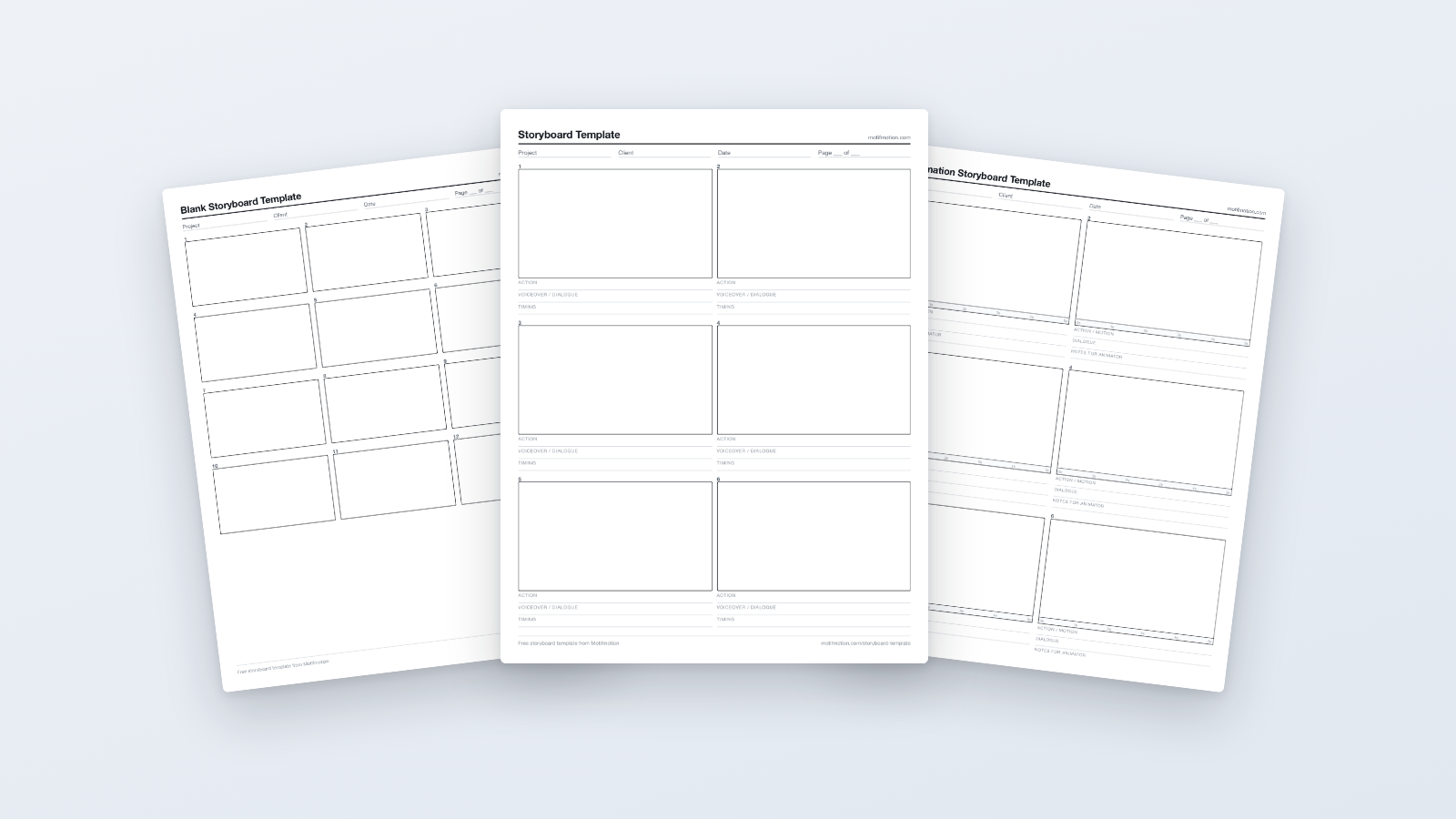
Blank storyboard templates in PDF and Word. Free, no sign-up, free for commercial use. Download one below.
Trusted by leading organizations
:quality(75))
:quality(75))
:quality(75))
:quality(75))
:quality(75))
:quality(75))
:quality(75))
:quality(75))
:quality(75))
:quality(75))
Download a storyboard template
Free to download and use, including commercially. No sign-up, no email.
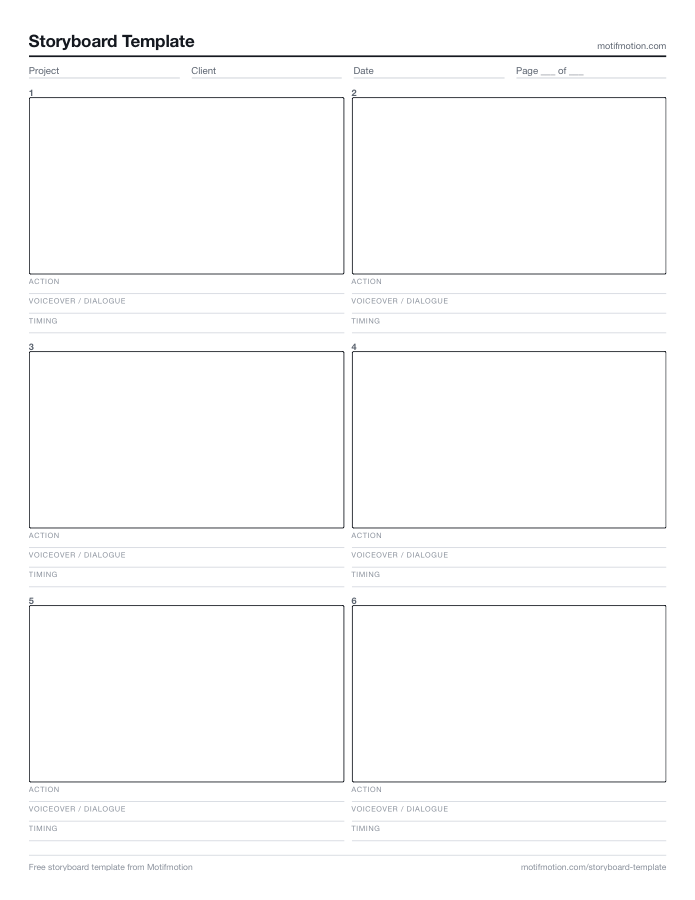
6-panel storyboard template — PDF (Letter)
Six 16:9 frames with action, voiceover and timing lines. Short pieces, first-time boarding, printing and sketching by hand.
6-panel storyboard template — PDF (A4)
The same six-panel layout sized for A4.
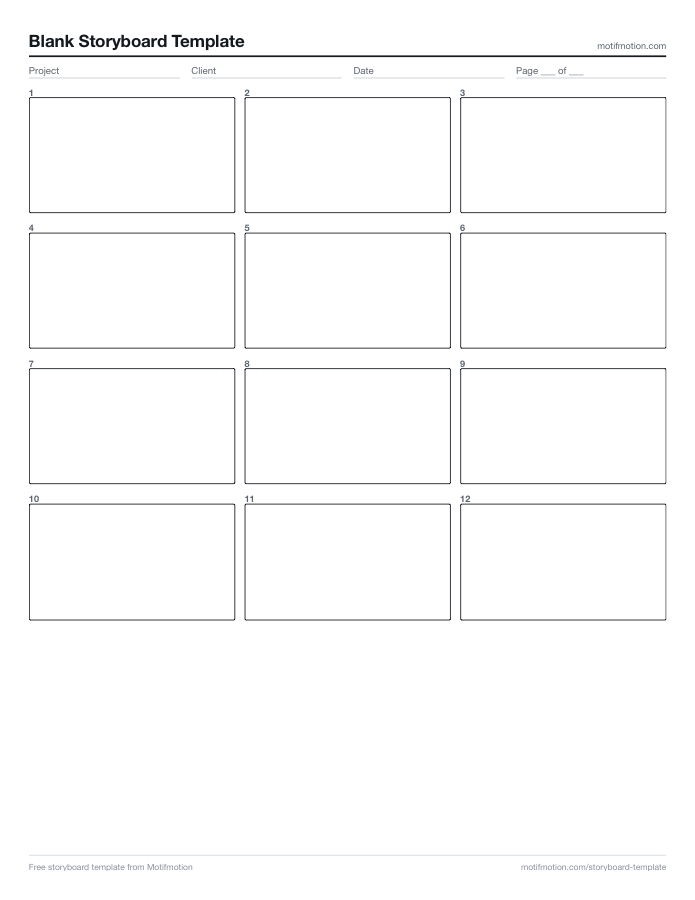
12-panel blank storyboard template — PDF (Letter)
Twelve empty frames, no labels. Most 60 to 120 second explainers, and the fastest way to sketch before the script settles.
12-panel blank storyboard template — PDF (A4)
The same twelve-panel blank layout sized for A4.
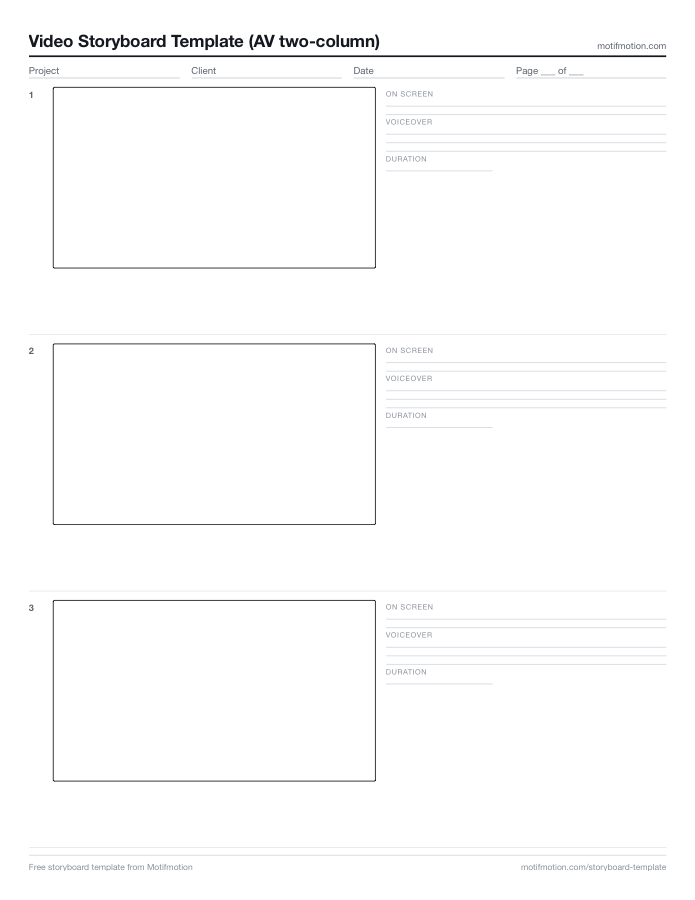
Video storyboard template — PDF (Letter)
AV two-column layout: frame on the left, on-screen note, voiceover and duration on the right.
Video storyboard template — PDF (A4)
The same AV two-column layout sized for A4.
Animation storyboard template — PDF
Adds a timing ruler under every frame and a notes-for-animator line.
Film storyboard template — PDF
Shot, size, angle and camera move across the top of each frame, for live-action shoots.
Vertical storyboard template (9:16) — PDF
Four vertical frames for Reels, Shorts and TikTok.
Storyboard template — Word (.docx)
The six-panel layout as an editable Word file. Type straight into it, or upload to Drive to use in Google Docs.
Video storyboard template — Word (.docx)
The AV two-column layout as an editable Word file.
Which storyboard template should you use?
The 6-panel storyboard template suits short pieces with few visual changes, and it is the standard printable layout, which is why most people boarding a first video start here.
The 12-panel blank storyboard template covers most 60 to 120 second explainers. No field labels, so it is also the fastest thing to sketch on while the script is still moving.
The video storyboard template uses the AV two-column layout, frame on the left and on-screen note, voiceover and duration on the right. Use it when you are directing an illustrator rather than drawing yourself.
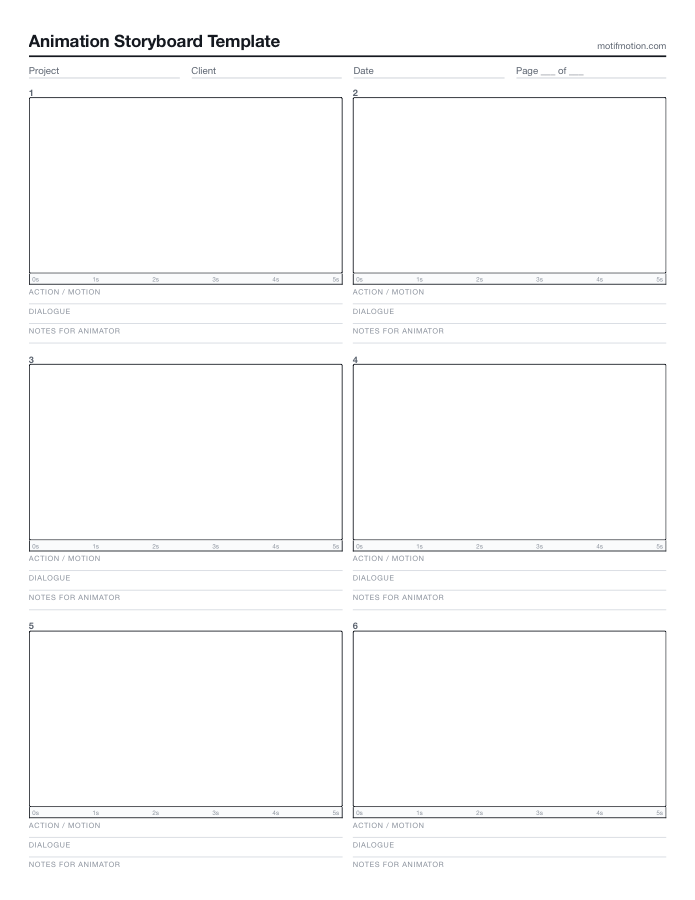
The animation storyboard template adds a timing ruler under each frame and a notes-for-animator line, because animation has no camera and every frame has to be built.
The film storyboard template carries shot size, angle and camera move, which is what a crew needs and an animator does not.
Panel count should come out of the script rather than being decided in advance. Our guide covers how many panels a storyboard needs, along with the five storyboard types in full.
- 6-panel for short pieces
- 12-panel blank for typical explainers
- AV two-column when directing an illustrator
- Animation and film variants for specialist work
How to fill in a storyboard template
1. Number every panel. Reviewers need to point at one and say which they mean, and unnumbered boards produce feedback nobody can act on.
2. One moment per panel. Never show motion inside a single frame. If a scene has three beats it needs three panels, and arrows are not a substitute.
3. Write the action note even when the sketch is clear. The note is what the illustrator and animator work from, and a drawing without one is ambiguous to everyone except the person who drew it.
4. Put the narration line under the panel it plays over, taken from the locked script. Our guide to writing a video script covers getting that draft right first.
5. Mark the transition between panels. A cut, a dissolve, or a continuous move all change how the next panel reads.
6. Leave the timing column blank until you build an animatic. Durations guessed on paper are almost always wrong, and timing is what an animatic exists to settle.
- Number every panel
- One moment per panel
- Always write the action note
- Timing comes last
PDF or Word?
PDF is for printing and sketching by hand. Every template here comes as a PDF, and the three most-used layouts come in both Letter and A4. It cannot be edited digitally, which is usually the point at the sketch stage.
Word is for typing rather than drawing. The frames are table cells, so you can paste screenshots or reference images straight into them. Two of the layouts come as .docx files.
Google Docs works by uploading the .docx to Drive and opening it there. We do not host a separate Docs copy, so the Word file is the way in.
- PDF in Letter and A4
- Word .docx for typing
- Opens in Google Docs via Drive upload
- Free for commercial use
What goes in a storyboard panel
Four things, and nothing else. What the viewer sees at this moment, described precisely. What the voiceover says underneath it. How the frame transitions into the next one. Any on-screen text, data or interface being shown.
Our guide to what a storyboard is goes into each of these properly, along with the five types and the mistakes people make.
- What the viewer sees
- What the voiceover says
- How it transitions
- Any on-screen text or data
What a finished storyboard looks like
A blank template only takes you so far. Below is a real board from a finished client production, shown beside the exact scene it became.
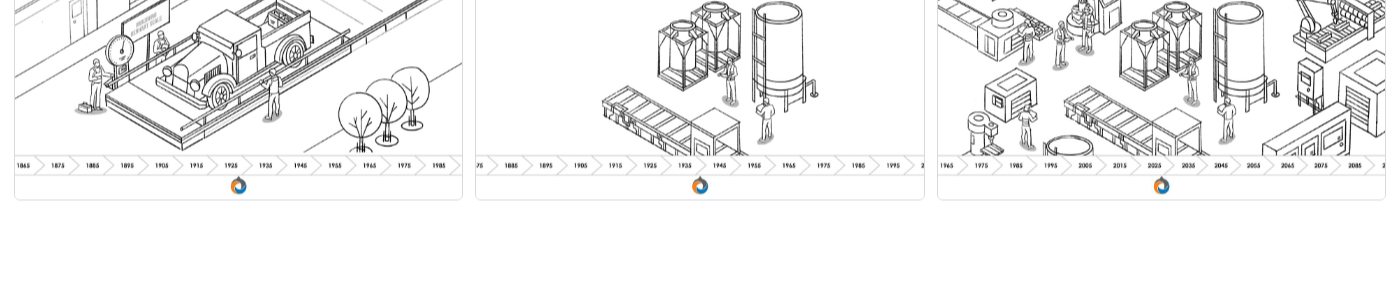
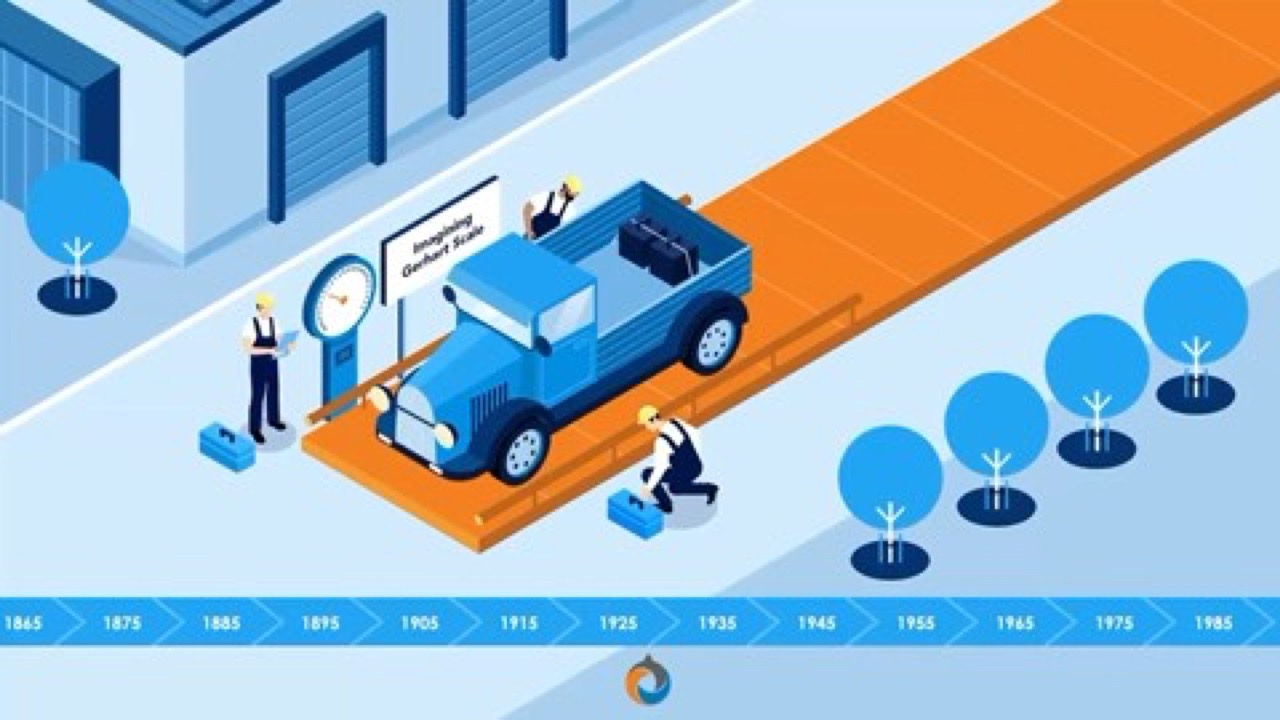
Detailed panels from an industrial engineering film for Gerhart Process Solutions. The board carries the company timeline, the weigh scale, and the isometric facility. Nobody improvises a bulk bag unloader, so this level of detail has to be settled before anyone illustrates it.
The finished scene is on the right. The composition barely moves between the two, because it was decided at the board stage where changing it is free.
- Complex illustrated board
- Timeline and equipment locked before illustration
- Board panel and finished scene side by side
Frame by frame, and what it became
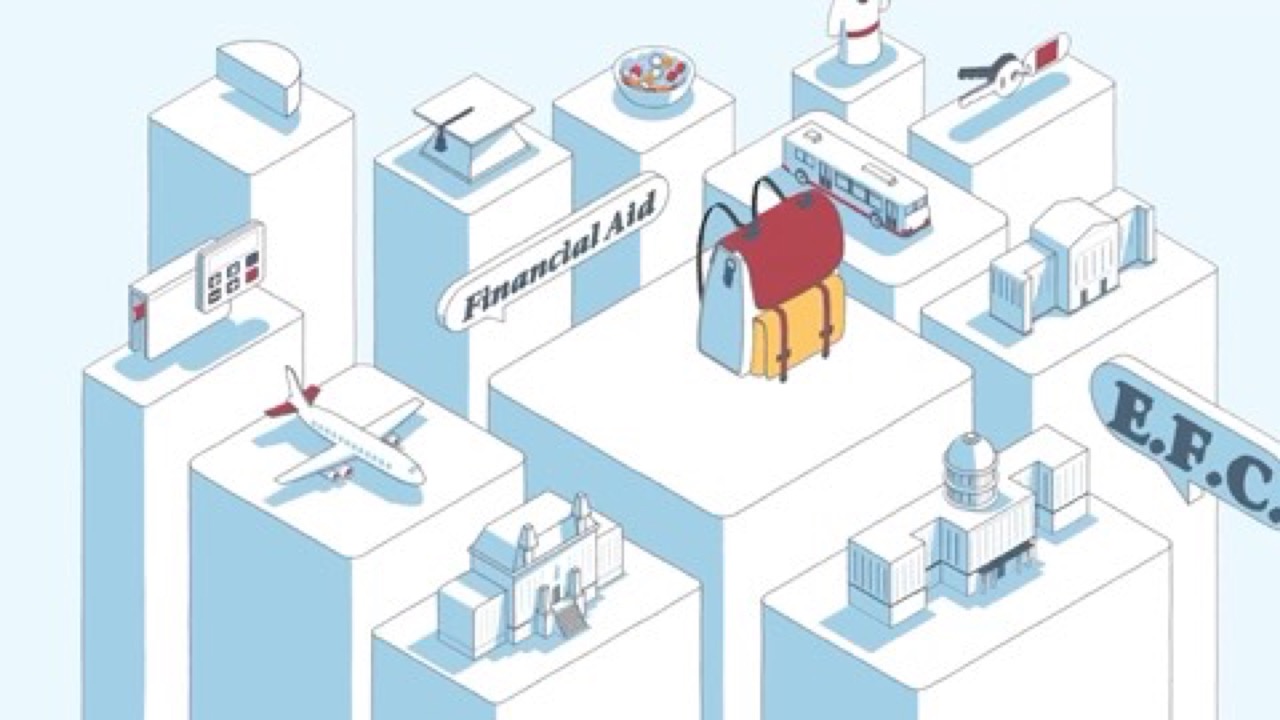
Motion-heavy explanation has to be planned frame by frame. These panels are from a financial aid explainer for the University of Pennsylvania.
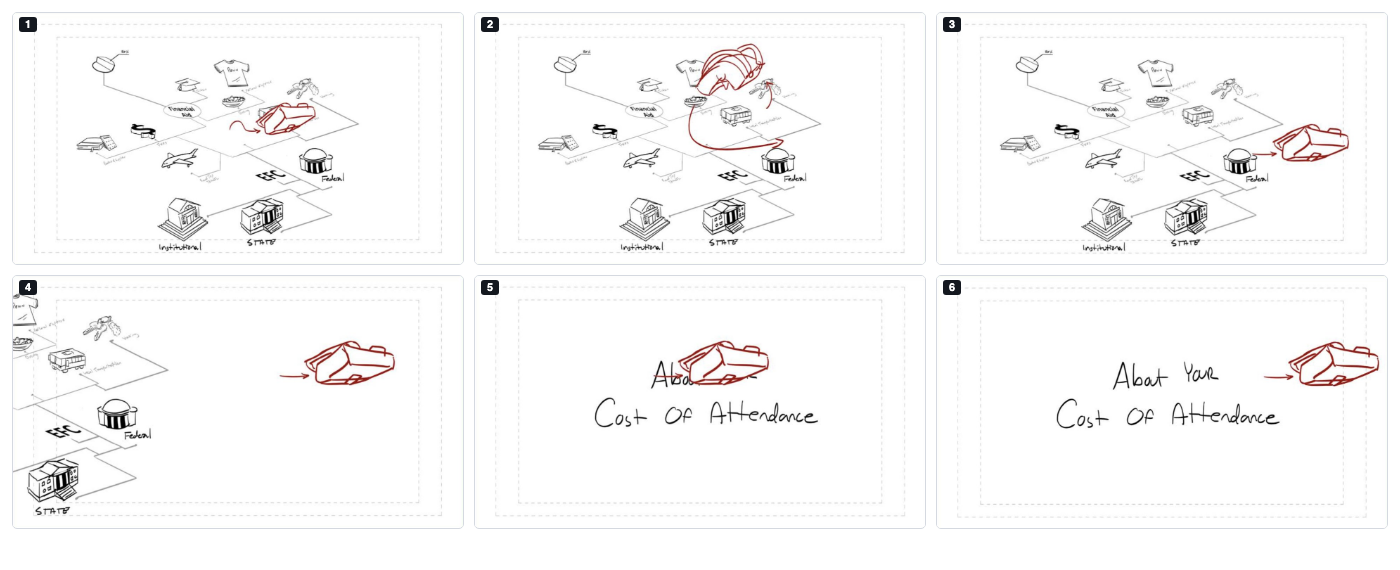
Follow the backpack through the six panels below. It enters the diagram, arcs across it past tuition, dining, travel and housing, then lands beside the Cost of Attendance title. Tracking one object like that has to be drawn beat by beat, which is why this stretch of board covers only about fourteen seconds of finished screen time.
The finished sequence is on the right. Same backpack, same path, same landing.
- Frame-by-frame board
- Nine panels for about fourteen seconds
- One object tracked beat by beat
Frequently asked questions
Yes. Every template is free to download and use, including for commercial work, and none of them require an email address or sign-up.
The six-panel, twelve-panel blank and video templates come in both US Letter and A4. The animation, film and vertical layouts are Letter.
As many as the script has distinct visual moments. Six per page suits a short simple piece, twelve covers most 60 to 120 second explainers, and frame-by-frame motion work needs considerably more.
No. The PDFs are made for printing and sketching by hand. If you want to type into a template, use the Word .docx versions instead.
No. Stick figures and boxes are enough, and the AV two-column template exists so you can describe each frame in words instead of drawing it.
A storyboard is static panels. An animatic is those panels cut to timing with audio, so you can judge pacing rather than just sequence.
Yes. Use them on client work, internal projects or anything else, with no attribution required.
:quality(75))
Ready to get started?
If you would rather have the storyboard made for you, Motifmotion can help. Contact us in a few different ways:
We'll work with you to understand your objectives, how we can provide assistance and we'll outline the next steps.